Digital signage bandwidth planning for large venues
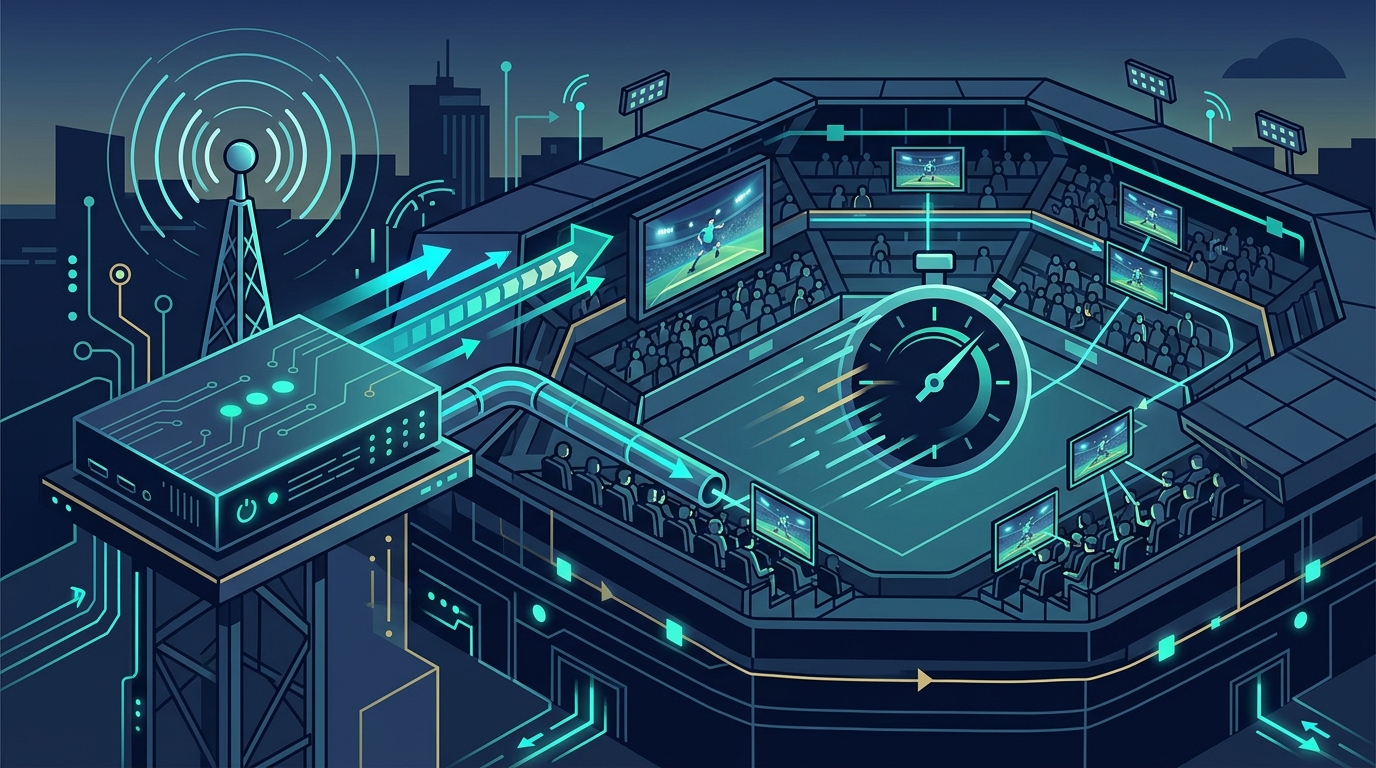
Digital signage bandwidth planning is the process of sizing a venue‑wide network so that every screen receives its content without delay or interruption. Getting this right saves money and avoids the embarrassment of a frozen scoreboard during a critical moment.
Effective digital signage bandwidth planning ensures the venue’s experience stays smooth and prevents costly overruns.
In this guide you will learn a step‑by‑step method to calculate the required capacity, discover common pitfalls, and see how to embed the results into your tender specifications.
- What you will gain: a clear formula for per‑screen bandwidth, a checklist of network design decisions, guidance on measuring real‑world usage, and a way to present the numbers to suppliers.
- Why it matters: oversizing inflates cabling and equipment costs, while undersizing causes visible lag that harms the audience experience.
- When to act: during the early design phase, before any hardware is purchased, to ensure the network can scale with future content.
- How to validate: use a simple test pattern and timing tools to confirm the network meets the calculated targets.
What is digital signage bandwidth planning?
The term describes the set of calculations that translate the number of screens, their resolution and refresh rate, and the type of content into a total network throughput requirement. It is not a single number; you must consider both steady‑state streaming and burst events such as sudden channel changes or emergency alerts.
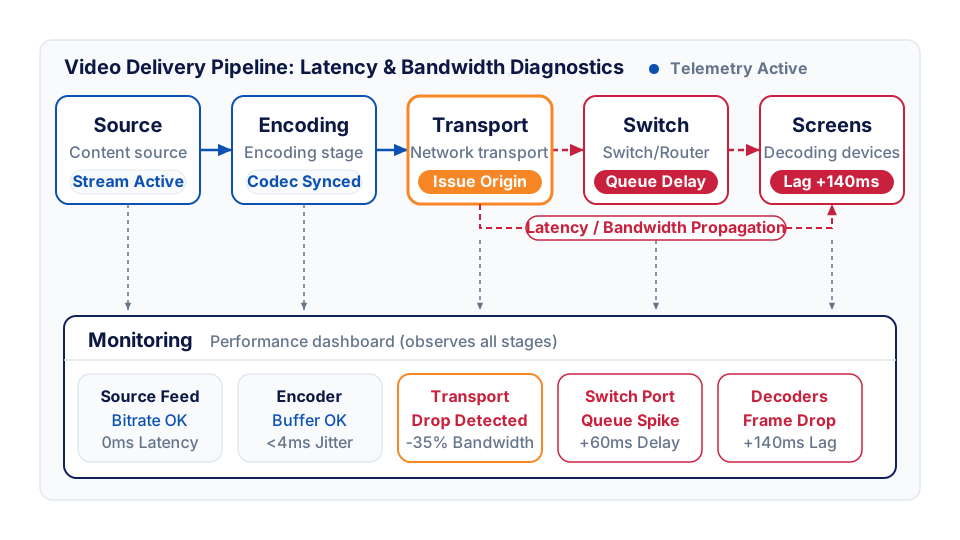
Each screen acts as a decoding device that pulls a stream from the head‑end. The head‑end may serve dozens of streams, each potentially at high definition. The network must carry the aggregate of all active streams simultaneously, plus a safety margin for occasional spikes.
How do you calculate the steady‑state bandwidth?
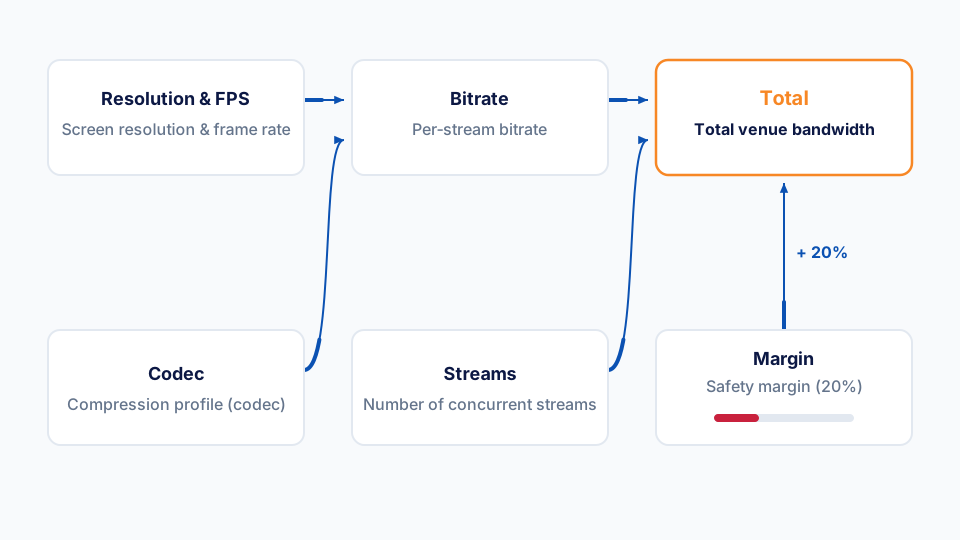
- Identify the highest resolution and frame rate you will use. Most venues deploy 1080p at 30 fps for signage; 4K is becoming common but triples the data rate.
- Choose the compression profile. Modern codecs such as H.264 and High Efficiency Video Coding (HEVC) can reduce a 1080p30 stream to roughly 4‑6 Mbit s⁻¹ when configured for visual quality over low latency. The exact figure depends on the content complexity, but the Digital Signage network bandwidth guide gives a reliable range for typical advertising loops. For more on reducing encoding delay, see our earlier post on cutting IPTV encoding delay.
- Multiply by the number of concurrent streams. If ten screens display the same feed, the total is the per‑stream rate, not ten times larger – you only need one stream duplicated on the network.
- Add the bandwidth for independent streams. For screens showing unique content, multiply the per‑stream rate by the number of such screens.
- Include a safety margin. Industry practice is to add about 20 % to accommodate variations in content complexity and occasional retransmissions. The Sparc Signs feature list mentions synchronisation overhead that can be mitigated with appropriate buffering.
The resulting figure, expressed in megabits per second, is the baseline capacity the core switch and uplinks must sustain.
How do you plan for burst capacity?
Burst events happen when a venue triggers a sudden change – for example, flashing a breaking‑news ticker, switching all screens to a live feed, or playing a high‑resolution video for a special announcement. During these moments the network must handle the maximum simultaneous stream load.
A practical approach is to simulate the burst by streaming the highest‑resolution content to a test set of decoding devices for a few minutes while monitoring link utilisation. The Digital Signage guide recommends using a traffic‑generator tool that can replicate the number of streams you expect.
If the measured utilisation stays below 80 % of the link capacity, you have adequate headroom. If it approaches full utilisation, consider upgrading the uplink or adding link aggregation.
A scheduling engine such as StreamVue’s Conductor can orchestrate content updates to smooth out bursts, keeping the network within the planned envelope.
Common network design choices for digital signage
Choosing the right core switch, implementing VLANs for video traffic, and enabling IGMP snooping are essential for reliable multicast delivery. IGMP (Internet Group Management Protocol) controls how decoding devices join and leave multicast groups; configuring the switch to honour fast‑leave timers reduces channel‑change latency. A well‑designed spine‑leaf architecture keeps latency low even when the venue grows to thousands of screens.
An example of a successful deployment can be seen in the Ascot Racecourse case study, which illustrates how careful bandwidth planning avoided performance issues during major events.
What common mistakes derail bandwidth plans?
- Assuming a single stream can be reused for all screens. When each screen needs bespoke content, the aggregate bandwidth grows dramatically.
- Neglecting compression settings. A higher quality profile can double the required bandwidth without a proportional visual benefit.
- Forgetting about protocol overhead. Multicast protocols add a small but measurable amount of extra traffic; the Sparc Signs documentation notes this in the context of synchronisation.
- Skipping the safety margin. Real‑world content varies, and a 20 % buffer accounts for unexpected spikes.
- Overlooking future expansion. Plan for a modest increase in screen count or resolution to avoid a costly redesign later.
How do you embed the numbers in a tender?
- State the target steady‑state throughput. Example: “The network must sustain at least X Mbit s⁻¹ of aggregated video traffic during normal operation.”
- Specify the burst capacity requirement. Example: “During simultaneous playback of unique high‑definition content on up to Y screens, the network must support Z Mbit s⁻¹ without packet loss.”
- Reference the measurement method. Cite the test pattern and traffic‑generator approach described above so suppliers can verify compliance.
- Tie each requirement to a responsibility. Clarify whether the head‑end provider, the network integrator, or the decoding‑device supplier is accountable for each part of the calculation.
Providing these details turns a vague “low latency” clause into a verifiable specification that can be audited during acceptance testing.
What tools can help you verify the design?
- Network traffic monitors that report per‑port utilisation in real time.
- Bandwidth calculators available on the Digital Signage website, which let you input resolution, frame rate and codec to obtain a per‑stream estimate.
- Multicast analysis tools that show IGMP join times and packet loss, useful for confirming that channel‑change latency stays within acceptable limits.
Together these tools let you confirm that the network you have built matches the numbers you calculated on paper.
How does the scheduling engine fit into the picture?
The scheduling engine ensures that content updates are timed to avoid bursts, keeping network utilisation within the planned envelope.
Tips for future‑proofing your network
- Design for higher resolutions. Even if you start with 1080p, reserve bandwidth for 4K upgrades.
- Use modular switches that allow you to add ports without redesigning the cabling layout.
- Implement QoS policies that prioritise video streams over ancillary traffic.
- Monitor performance continuously and adjust buffer sizes as content patterns evolve.
Monitoring and reporting
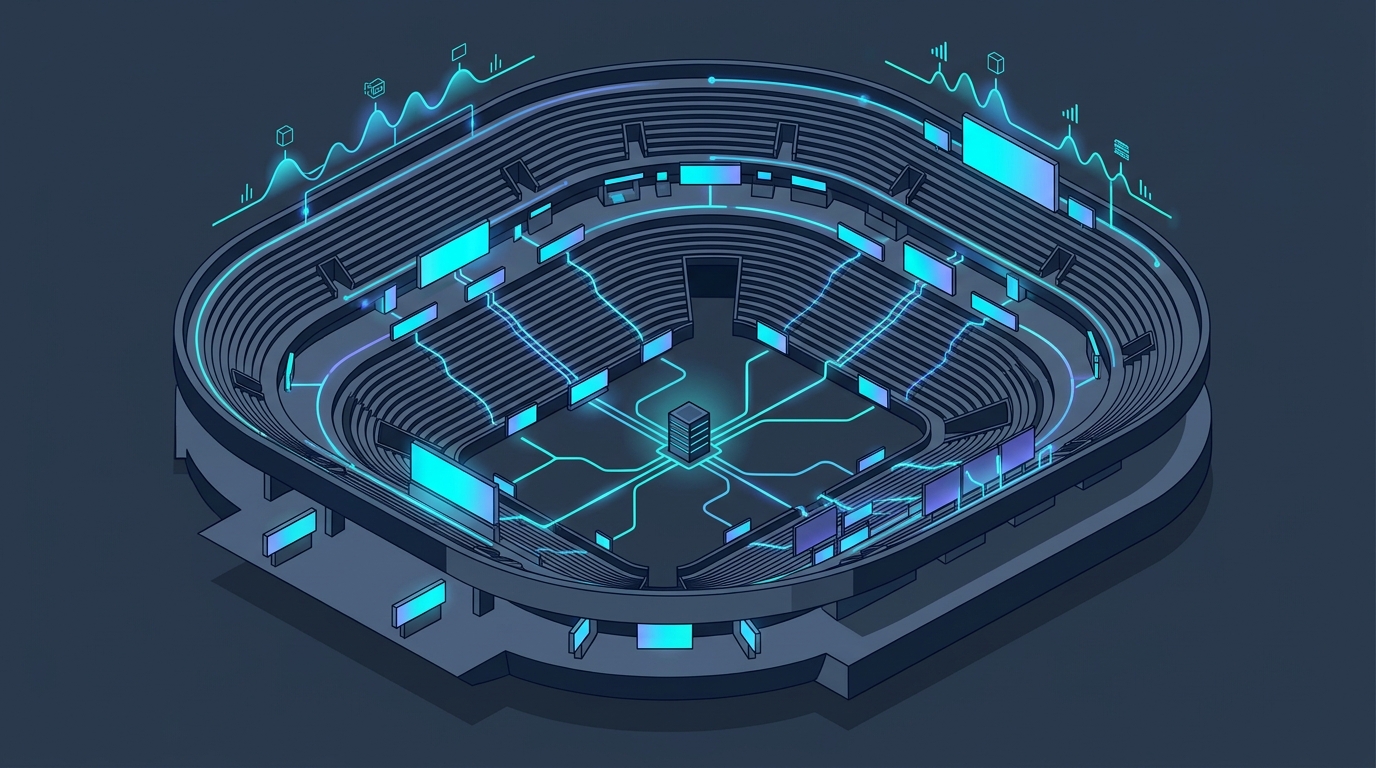
Continuous monitoring after deployment helps catch bandwidth overshoot before it impacts the audience. Deploy a network performance dashboard that records per‑port utilisation, latency, and IGMP join times. Set alerts for utilisation above 80 % of the provisioned capacity and review the reports after each major event. Use the data to fine‑tune QoS policies and justify any capacity upgrades in the next tender cycle. Ongoing digital signage bandwidth planning should be part of the venue’s operational checklist.
What next?
If you would like to see a live demonstration of how Conductor can streamline your bandwidth‑planning workflow, book a demo.